Your existing toolchain
Build with CGO_ENABLED=0. Native APIs are loaded at runtime, so building your application requires no C/C++ compiler or development headers.
GOUI is a lightweight, modern Go GUI framework for Windows, macOS and Linux. No cgo. MIT licensed.
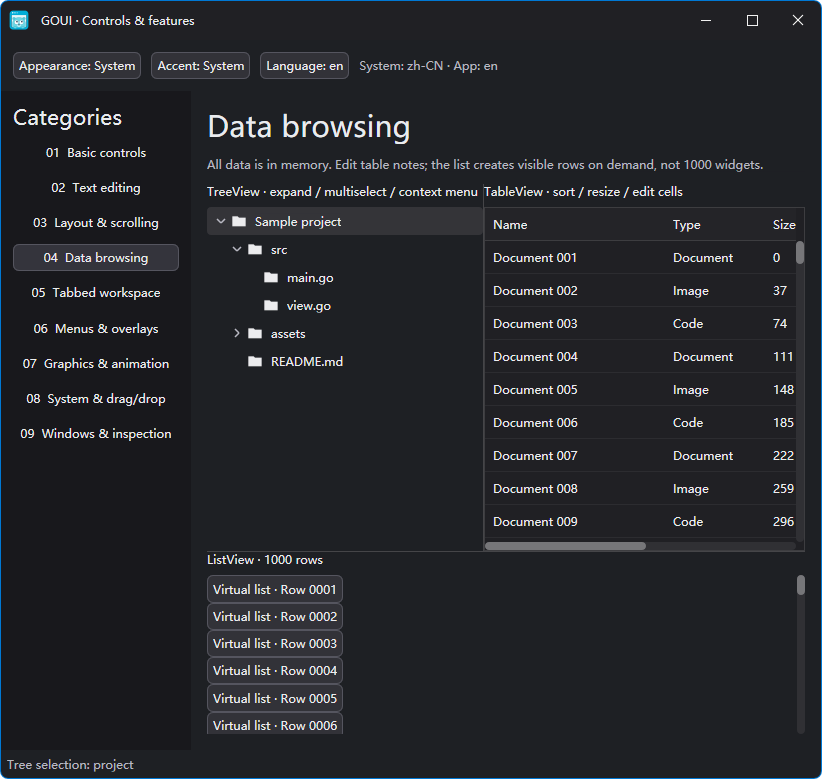
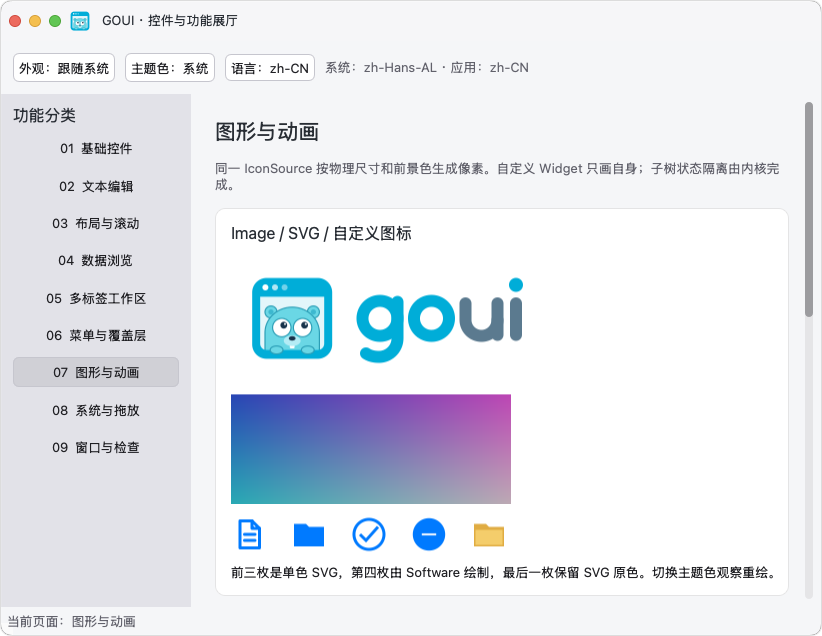
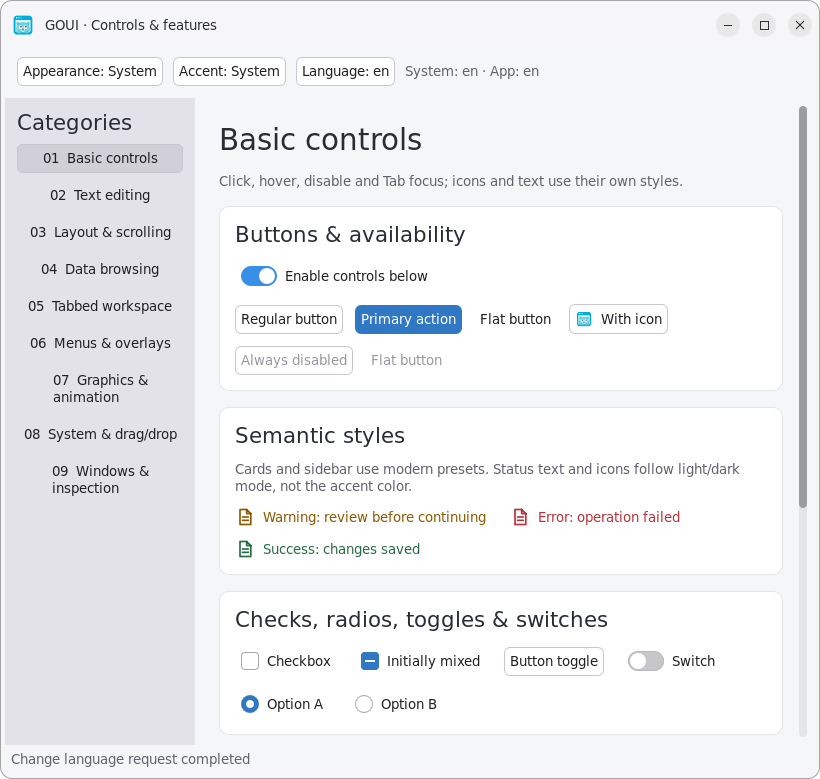
Use Go's toolchain, embed your assets, and ship a focused native application. GOUI handles the parts a desktop interface needs, without becoming an all-purpose platform SDK.
Build with CGO_ENABLED=0. Native APIs are loaded at runtime, so building your application requires no C/C++ compiler or development headers.
Windows and Linux applications can run as a single executable. On macOS, wrap the binary in an .app for identity, icons and signing. Native system libraries are still required.
Light/dark styles and accent colors meet native window chrome, text layout, IME, clipboard and file dialogs. Choose declarative views or imperative widgets.
A window is an ordinary Go value. This complete app opens a native window — run it, then grow from here.
go get github.com/golang-gui/goui@v0.4.0package main
import "github.com/golang-gui/goui/ui"
func main() {
ui.Run("org.golang-gui.hello", func(app ui.App) ui.RootView {
return ui.Window("main").
Title("Hello World").
Content(ui.Label("Hello GOUI!"))
})
}
GOUI ships an official skill your coding assistant can install, publishes each running window as a plain-text semantic snapshot a language model can read, and can accept real input through an opt-in local automation protocol.
Install the GOUI application development skill following https://github.com/golang-gui/goui/blob/main/skills/INSTALL.md.The official goui-app skill follows the Agent Skills format: send one install instruction to your coding tool and it gains GOUI application guidance. Whether a tool loads skills is decided by the tool itself. Install instructions
Every window publishes a semantic snapshot — role, text, bounds, focus, supported actions — as JSON a plain-text model can read, so understanding the UI does not require vision. See it in the demo
The opt-in local gui/dev server lets agents read snapshots, dispatch pointer and key events, and commit text through the normal input path. An explicit import plus GOUI_DEV_ADDR enables it, so it never ships in release binaries. Protocol reference
The demo brings together editing, data views, detachable tabs, overlays, graphics and system integration. v0.4.0 adds grouped menu buttons, tooltips and large-text samples. Try light/dark modes, accent colors and eight UI languages.
x64 · EXE
9.50 MiB Published download
Download demoApple Silicon · .app ZIP
3.33 MiB Published download
Download demox64 · X11
9.34 MiB Published download
Download demoLinux: make the binary executable with chmod +x. macOS: extract the ZIP and open GOUI Demo.app; the bundle is Developer ID signed and Apple notarized. ZIP size is not executable size.
GOUI provides the foundations and controls for small desktop apps, from utilities and note-taking tools to data-oriented workspaces.
Buttons, labels, icons, menus, grouped menu buttons, tooltips, dropdowns, check/radio buttons, switches and linear or circular progress indicators.
Unicode text editing, CJK IME, selection, undo/redo, clipboard, shortcuts and Tab navigation. Long paragraphs use bounded native layout windows.
Constraint-based boxes, wrapping, scrolling, overlays, split views, virtualized lists, trees and tables with custom cells.
Reorder tabs, transfer them between windows, detach into a new window, and use native drag and drop.
Style-aware SVG icons, light/dark modes, accent colors, HiDPI, transparency, shadows and frame-driven animation.
File dialogs, file-access credentials, timers, system settings, URL/file opening, build tooling and opt-in semantic UI inspection.
Learned from GTK4, Flutter, Qt, Avalonia and SwiftUI. Adapted to Go, rather than copied wholesale.
No cgo is a build property, not a claim that the application has no runtime dependencies.
Windows x64 · Win32 windows · DirectWrite text · Direct2D, OpenGL or Software drawing.
macOS Apple Silicon · AppKit windows · Core Text · OpenGL or Software drawing. Signing and notarization remain application distribution steps.
Linux x64 · X11 · Pango/Cairo text · OpenGL or Software drawing. Needs native X11, GL, GLib, Fontconfig, Pango/Cairo and GTK runtime libraries. Wayland sessions require XWayland; behavior must be checked on the target desktop.
v0.4.0 APIs are still evolving. Touch, additional platforms and window systems, more application controls, and continued performance work are on the roadmap.
No. GOUI draws widgets through native graphics backends and uses native text layout. It does not embed a browser engine.
No C/C++ compiler is required to build your app. GOUI supports CGO_ENABLED=0 and binds native libraries at runtime. Runtime library requirements still apply.
Supported targets can be built with the Go toolchain without cgo. Packaging, signing and actual platform validation are separate steps; a successful build does not verify native behavior.
No. This release is intended for building small applications and gathering practical feedback. Public APIs continue to evolve; pin a version and review changes when upgrading.
Yes, with three building blocks: install the official goui-app skill for guidance, read the semantic snapshot as plain text for UI state, and optionally enable the local gui/dev server for snapshot, event and text APIs through real input dispatch. Automation stays in development builds and does not ship to users.
Start with a small window. Grow into the layers and controls your application actually needs.